


Facility Rental Management
Software Built for Camps

Manage retreats, conferences, private events, agreements, add-ons, and payments in iCampPro — helping camps turn their property into more revenue opportunity.

Keep the Campfire Burning Year-Round.

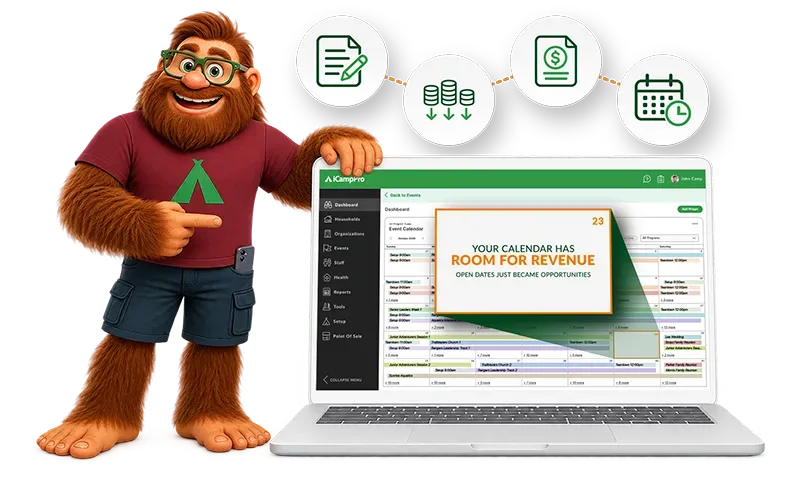
Cartoon mascot beside a laptop showing a colorful calendar and schedule planner interface

Trusted by top camps

Blank white rectangle on a white background, resembling an empty image placeholder

Your camp doesn't have to go quiet when summer ends.

Your property can host groups in every season.

Convenient Facility Rental Operations Alongside Your Camp Management

A church retreat in the lodge. A family reunion by the lake. A school board meeting in the dining hall. Whether hosting other people's events is your whole year or fills the months around summer camp, the details usually live in email threads, spreadsheets, PDFs and one-off payment links. Facility Rentals brings that work into iCampPro, next to your programs, registrations and payments. One platform to run and one support team to call. 

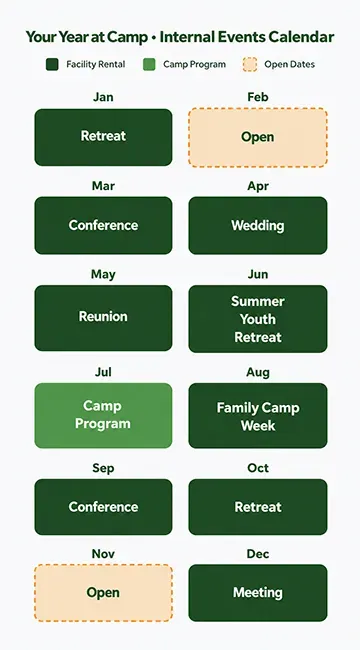
Hospital weekly calendar overview with green date tiles and colored legend at the top
Blank white banner with a thin light gray horizontal line across the center

How Facility Rentals Work

Orange circle with number 1 beside a green document and pencil icon

An inquiry comes in

A renter calls, emails, or fills out your website form.

Orange circle beside three green database icons and downward arrows

Your staff build the rental.

Choose facilities, services, dates, pricing and terms.

Orange number 3 beside a green dollar-document icon with a folded corner

The organization reviews and pays.

Their contact signs the agreement and pays in the Organization Portal.

Orange circle with number 4 beside a green calendar and clock icon

Your team sees it on the calendar.

The rental sits beside camp events, with setup and teardown.

Facility Rentals are always created by your staff. Renters don't self-book. 

Build Agreements Around Your Camp Property & Services

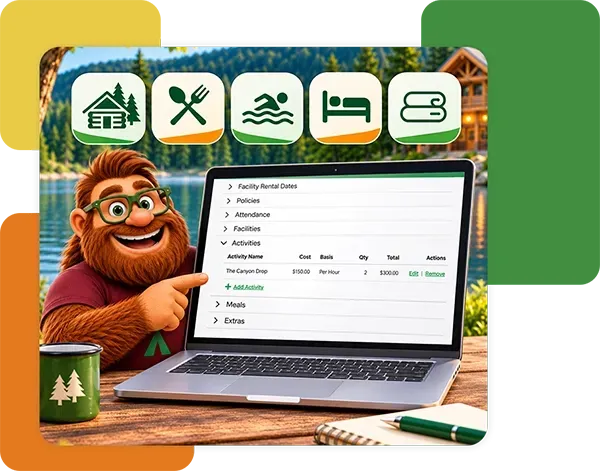
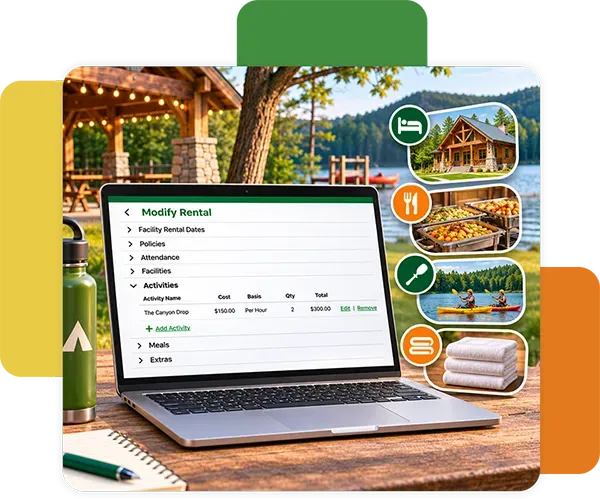
Every facility rental starts with your team. When an inquiry comes in by phone, email or website form, staff create the rental in iCampPro and build an agreement around the facilities, housing, activities, meals and extras the group needs. Your policies and terms come along automatically.

  • Staff-created rentals from an inquiry
  • Facilities, housing, activities, meals and extras in one agreement
  • Camp-configured policies and terms 
Cartoon bear beside a laptop showing a vacation booking page, with green travel icons above it.
Laptop on a desk showing a booking form, with resort photos and icons for lodging, dining, nature, and spa.

Price Facilities, Activities, Meals, and Extras Your Way

Charge the way your camp already quotes. Set rate bases by the day, night, hour, person or building, then add line items for services like meals, linens, AV or setup crews. 

  • Day, night, hourly, per-person and per-building rates
  • Line items for every add-on you offer
  • Pricing that matches the quote you gave on the phone 

Check Requested Rental Dates for Conflicts

Before you send an agreement, iCampPro checks the requested dates against what's already booked. Catch an overlap with another rental or one of your own programs while it's still easy to fix. 

  • Conflict checks against booked rentals and scheduled camps
  • Fewer double-booked lodges and dining halls
  • Confident answers for the renter on the phone 
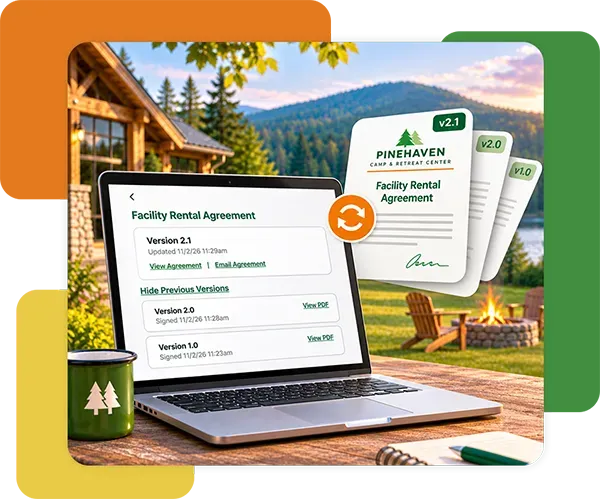
Laptop displaying rental agreement beside digital documents in a cabin setting with mountains in the background
Tablet showing a school field trip booking screen beside a printed trip brochure on a desk

Set Clear Payment Terms & Expectations

Spell out deposits and payment schedules right in the agreement. Renters pay online through iCampPro's integrated payment processing, and your team sees what's paid and what's due. 

  • Deposits and scheduled payments
  • Online payments through integrated processing
  • Balances your finance team can see at a glance

Give Organizations & Rental Contacts a Centralized Rental View

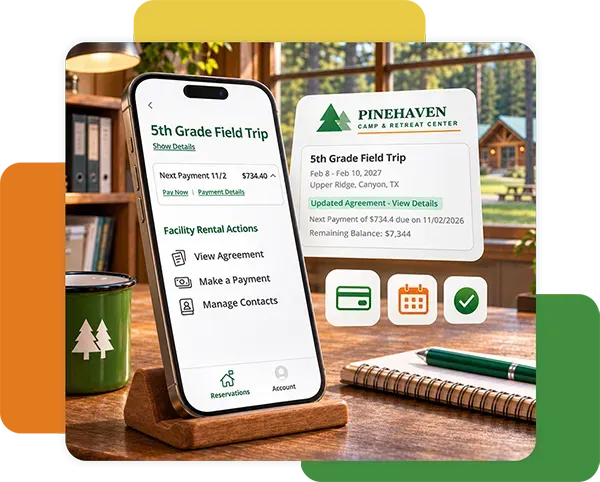
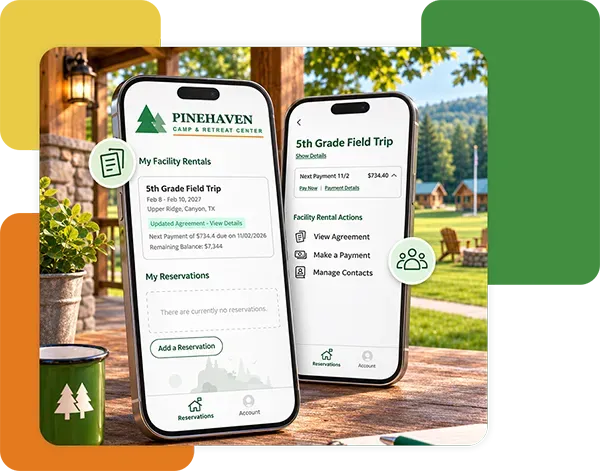
Once the rental is booked, designated contacts get access through the Organization Portal. They can review the agreement, sign it, make payments and check status, without another email thread.

  • Agreement review and acceptance
  • Payments and balance status
  • Access for the contacts you designate
Two smartphones showing Pine Haven campground app screens on a rustic outdoor backdrop.
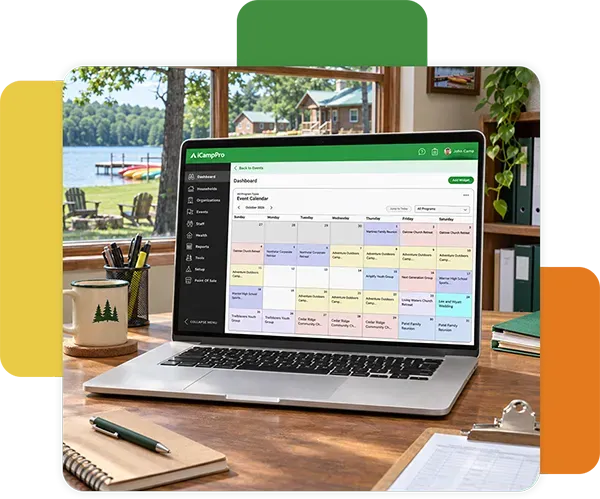
Laptop on a desk showing a colorful calendar in a bright lakeside home office

See Camp Events, Rentals, Setup, and Teardown Times in One Calendar

Your internal calendar shows camp events and booked facility rentals together, including setup and teardown. Kitchen, maintenance and program staff work from the same view.

  • Camp events and booked rentals side by side
  • Setup and teardown time blocks
  • One internal view for every department
Blank white banner with a thin light gray horizontal line across the center

Your Calendar Has Room for Revenue

Open dates just became opportunities. When agreements, add-ons and payments live in one place, each facility rental takes less admin time. That means your team can say yes to more groups and spend more time on what matters: your camp's mission.

Green checklist icon with a plus sign inside a circle

Capture every add-on

Meals, linens and setup are line items, not afterthoughts.

Green calendar icon inside a green circle on a white background

See the whole year

Facility rental revenue sits beside the rest of your revenue in the same report.

Green checklist document icon with checkmarks and a magnifying glass in a circle

Less admin per rental

One agreement and one portal replace the email chain.

Orange circular icon with a black compass symbol inside.

Facility Rentals

Included on the Pathfinder Plan and higher 


$50 USD

per signed rental contract

The fee applies only when an agreement is signed.

Already running camp on iCampPro? 

Bring the facility rentals you manage today into the platform your team already knows. 

Blank white banner with a thin light gray horizontal line across the center
White horizontal bar with a faint gray gradient on a plain background.

Group Event Reservation or Facility Rental:
Which Workflow Fits?

The difference comes down to who runs the experience. If your camp leads the program, use Group Event Reservations. If an outside organization uses your property and runs its own event, use Facility Rentals. 

Group Event Reservations
Facility Rentals
Who leads the experience Your camp: schedule, programming, staff The renting organization
How it starts Groups reserve a spot in a camp-run event Your staff create the rental from an inquiry
Attendee registration Yes, with attendee forms and ratios No; the agreement is with the organization
Good for School trips, youth groups, club weeks Church retreats, weddings, reunions, conferences, meetings
Plan All plans Pathfinder and higher + $50 fee per signed rental contract

Running a camp-led group program? Explore Group Event Reservation

White horizontal banner with a subtle gray-to-white gradient background

Answering Common Questions About Camp Facility Rentals

  • What is camp facility rental management software?

    It's software that helps camp staff manage outside groups using camp property. That includes agreements, facilities, add-on services, pricing, payments and scheduling. In iCampPro, Facility Rentals runs inside the same platform as your camp registrations and operations. 

  • How can facility rentals help camps generate off-season revenue?

    For retreat and conference camps, retreats, conferences, weddings and meetings fill lodges, dining halls and grounds all year, summer included. For camps with summer programs, they put the same spaces to work outside of the summer season. Managing them in one system makes it easier to capture add-ons and take on more rentals without more admin. 

  • How can a camp manage facility rental agreements and payments?

    In iCampPro, staff build each agreement with facilities, services, terms and a payment schedule. The organization's contact reviews, signs and pays in the Organization Portal. 

  • Can camp facility rental software charge by the hour, day, or night?

    Yes. Facility Rentals supports rate bases by the day, night, hour, person or building, plus line items for add-ons. 

  • How do camps manage retreat deposits and payment schedules?

    Staff set deposits and scheduled payments in the agreement. Renters pay online through integrated payment processing. 

  • Can camps include lodging, meals, activities, and extras in a facility rental agreement?

    Yes. Camps configure facilities, housing, activities, meals and extras, then add them to each agreement.

  • How can camps avoid scheduling conflicts between facility rentals?

    iCampPro checks requested dates against booked rentals and scheduled camps. Your internal calendar shows rentals, camp events, setup and teardown together. 

  • What is the difference between a group reservation and a facility rental?

    A group reservation is participation in a program your camp runs. A facility rental is an organization's agreement to use your property and services for its own event. 

  • Can iCampPro manage retreats, weddings, meetings, and conferences?

    Yes, when the outside organization directs its own event. Your staff create the rental, agreement and payments; the organization runs its program. 

  • Does iCampPro offer public online facility booking or an availability calendar?

    No. Rentals are created by camp staff after an inquiry, so you stay in control of every agreement. The calendar is an internal view of booked rentals and scheduled camps. 

  • Does facility rental software include conference ticketing or attendee registration?

    No. Facility Rentals manages the agreement with the organization, not individual attendees. For camp-led programs with attendee registration, see Group Event Reservations. 

  • How much does Facility Rentals cost?

    Facility Rentals is available on the Pathfinder Plan and Higher, with a $50 fee per signed rental contract. 

White horizontal banner with a subtle gray-to-white gradient background
Smiling furry mascot waving by a campfire, wearing green glasses and a red shirt with a green symbol

Keep the Campfire Burning Year-Round

Bring your facility rentals into the same platform as the rest of your camp operations. See how Facility Rentals fits the way your camp already works.

Bring your facility rentals into the same platform as the rest of your camp operations. See how Facility Rentals fits the way your camp already works.